




Description
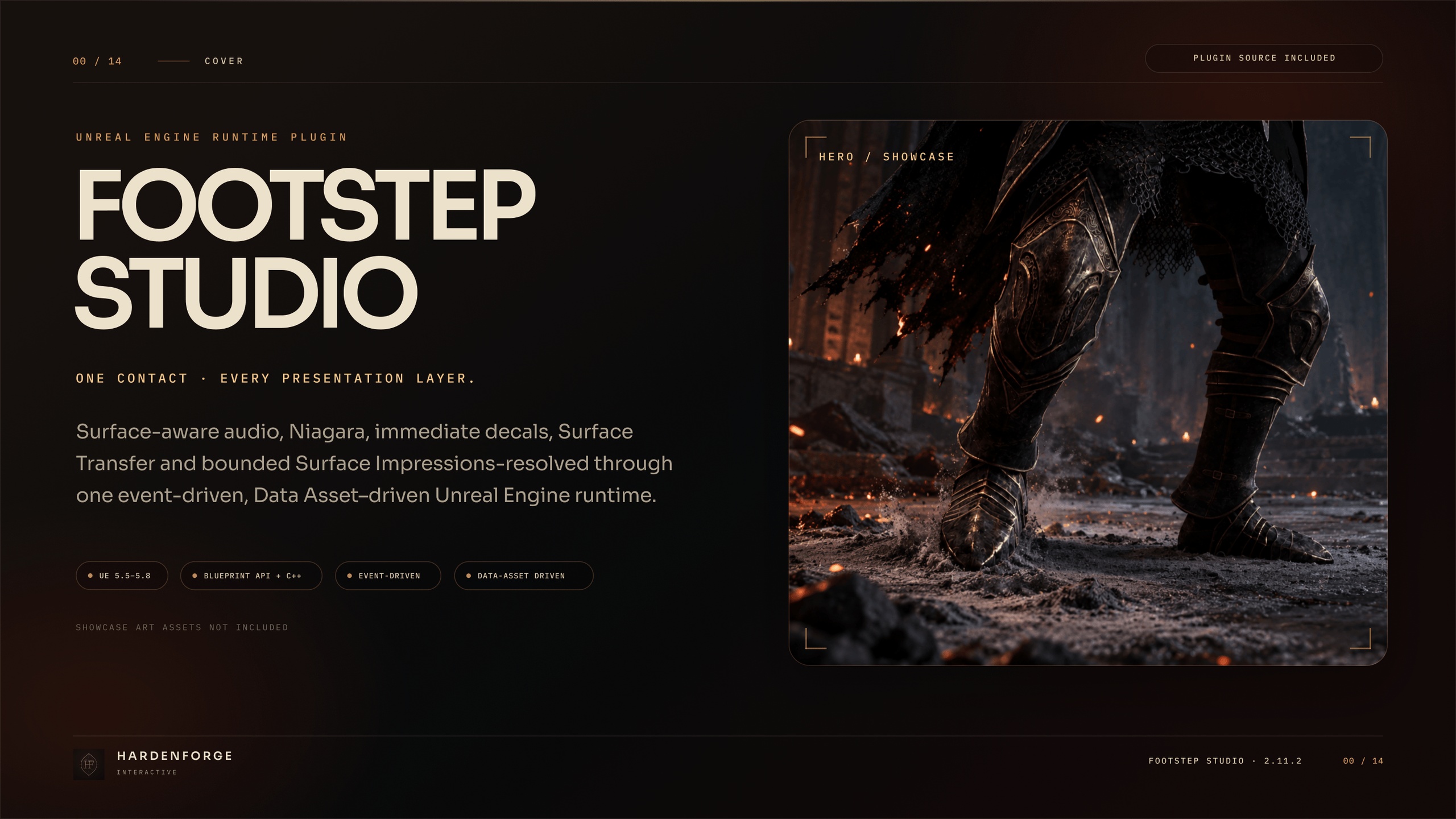
Surface-aware audio, effects, and footprints for Unreal Engine.
Give a landing on stone, a barefoot step through water, and a bootprint in snow their own response. Footstep Studio coordinates your configured sounds, Niagara effects, decals, carried residue, and material impressions from the contacts your project submits.
Built for Blueprint and C++ projects, it works alongside your existing animation, locomotion, and equipment systems. You control when contacts happen and what they mean for gameplay. Footstep Studio handles their surface-aware cosmetic response.
Includes plugin source, 14 neutral authoring assets, and documentation. Showcase sounds, effects, artwork, characters, and scenes are not included.
Match the response to the surface
Define shared responses by Physical Surface, then override individual Physical Materials where you need a different result. Configure Step, Land, Pivot, Slide, Jump, and named Custom events, with weighted audio and Niagara variants and anti-repeat selection.
Use only the presentation channels your project needs. Start with sound, add a splash or dust effect, or combine audio, decals, and material impressions around the same resolved contact.
Make footwear part of the response
Switch between project-defined barefoot, boot, shoe, paw, hoof, or custom contact profiles at runtime. Footwear profiles can change imprint textures, modulate surface audio, and add an optional footwear audio layer without requiring a particular inventory framework.
Carry the surface into the next steps
Surface Transfer creates configurable decal trails from residue acquired on a source surface. Author wet prints after leaving water, muddy tracks across stone, or snow carried onto another floor using your own materials and textures.
Control contact routes, material stages, intensity progression, and emission limits. Acquired residue retains its footwear profile, so a later equipment change does not rewrite an already acquired trail.
Leave impressions in the surface itself
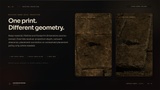
Surface Impressions provide bounded contact fields that configured receiving materials can use for visible marks and shallow visual compression. The supplied material function and template give you a starting point for your own snow, mud, sand, or vegetation response.
Choose stamp size, intensity, lifetime, and fade behaviour. This is material-driven presentation: collision, navigation, physics, and gameplay terrain state remain unchanged.
Control where decals appear
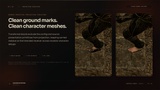
Receiver-aware placement and optional receiver-normal filtering help you adapt footprints to the destination geometry. Configure receiver-specific projection overrides or provide your own placement decision when the rendered surface differs from collision.
For Surface Transfer decals, Source Exclusion helps keep residue off the character and equipment that produced it. It requires the documented material parameters and Custom Depth/Stencil configuration.
Integrate through Blueprint or C++
Submit contacts from configured skeletal-mesh sockets, explicit world locations, or existing blocking hits. Use the supplied Footstep AnimNotify or call the public Blueprint and C++ APIs from your own contact logic.
An existing blocking hit avoids a second ground trace for contact resolution; decal placement may still perform its own bounded queries. Returned context, rejection reasons, and public delegates help distinguish a resolved contact from an emitted effect or a rejected request.
Set runtime limits for your project
The Footstep Component is event-driven and has no permanent Tick. Listener-distance culling, contact rate limits, per-component and world-level channel budgets, and bounded retained state provide controls for your workload.
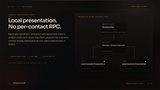
For multiplayer, each observing client or listen host presents eligible contacts locally. Footstep Studio sends no per-contact plugin RPC, and dedicated servers reject cosmetic requests before ground tracing or effect spawning. Your project owns movement and equipment replication, contact timing, and authoritative gameplay.
What is included
Runtime C++ source, public Blueprint/C++ APIs, and the Footstep AnimNotify.
3 Starter Data Assets: Surface Data, Footstep Profile, and Footwear Profile.
3 Material Functions for source exclusion, receiver-normal filtering, and Surface Impression coverage.
3 master materials: two decal templates and one Surface Impression template.
5 neutral Material Instances to duplicate and configure.
Version-aligned documentation covering setup, feature authoring, APIs, multiplayer, profiling, validation, troubleshooting, and upgrades.
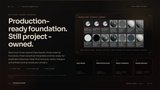
The Data Assets, functions, masters, and instances total 14 neutral authoring assets. Duplicate the required assets into your project and connect your own content. The package does not include a demo map, characters, animations, sound assets, Niagara Systems, project textures, Physical Materials, or a pre-integrated character Blueprint.
Requirements and tested compatibility
The published validation scope for version 2.11.2 covers Win64 on Unreal Engine 5.5.4, 5.6.0, 5.7.4, and 5.8.0, including clean C++, Blueprint-only, and Third Person consumers, build and packaging checks, runtime checks, and Data Validation.
The plugin enables Unreal Engine's Niagara and Data Validation plugins. Integration requires project-owned contact timing, surface configuration, and presentation assets. Decal and Surface Impression features also require their documented rendering and material setup.
Other engine patches, platforms, renderers, and production configurations require their own validation. Performance depends on the complete scene and its assets; the published measurements are scoped examples, not a universal frame-time or actor-count guarantee.
Documentation and support
Review the integration guide, package contents, and compatibility scope before purchase. Documentation covers the first working contact through feature-specific setup and troubleshooting. Contact HardenForge for product questions or project-specific integration requirements.
Product overview | Documentation | Compatibility and release notes | Product support