Açıklama
v2.0 Major Update ( 14.08.2026)
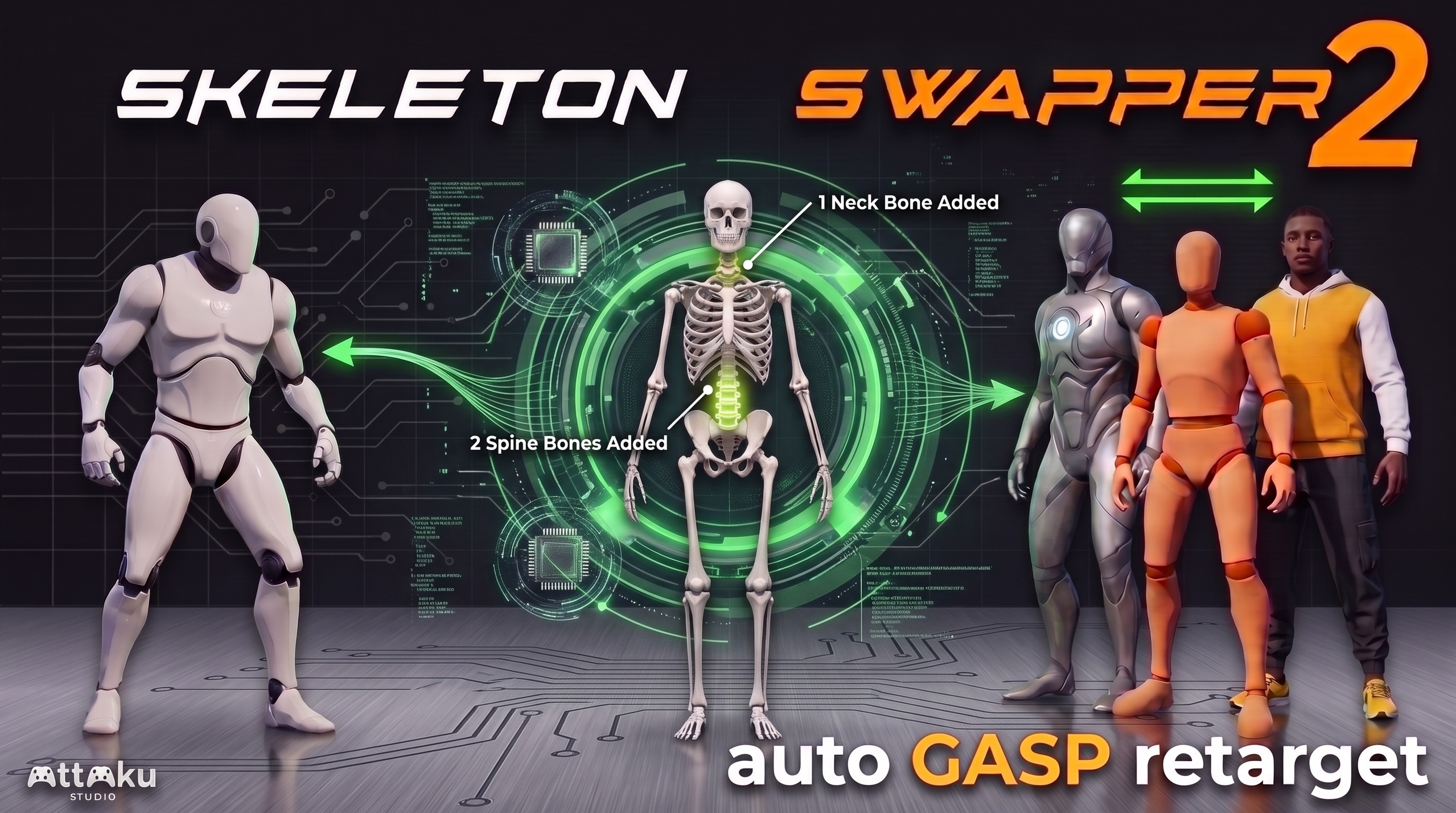
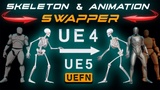
Skeleton Swapper v2 migrates characters between UE4, UE5, UEFN, and MetaHuman skeletons — mesh and animations converted in place, no re-rigging or re-skinning. A couple of clicks more sets them up in GASP, full animation set retargeted and ready to play.
Showcase Part1 ( UE4 mesh + animation swap to UEFN skeleton ) // Showcase Part2 ( Reference swap to GASP, new character setup in few clicks)
UE4 / UE5 / UEFN / MetaHuman skeleton conversion, any direction (assign or create new one)
Improved mesh swap conversion — cloth, morph targets, materials, physics assets, LODs, sockets carried over; skin weights redistributed onto new spine/neck bones
Reference Swap — one-click character replacement: shares the existing anim set or retargets it in place
Auto-generated IK Retargeter — no rigs, chains, or retarget assets to set up; export/edit the generated assets if needed
Motion Matching / GASP support — per-character anim sets with Pose Search Databases, Choosers, and traversal montages; indexes prebuilt for instant PIE
Ground contact & traversal — geometry-based foot grounding, per-frame hand and feet adjustments for climbs/vaults/ledges, (manual Feet & Pelvis offset dials only in UE 5.8 for now)
Dependent assets auto-updated — montages, blend spaces, Anim Blueprints, notifies, sync markers, montage slots
In-memory workflow — automatic backups, instant re-runs from originals, nothing saved until Save All; tested on 1,000+ anim batches
UE 5.6 / 5.7 / 5.8
P.S. I also want to be transparent about something that affects this product.
Every 1-star rating on this page was left before the major v2.0 rebuild. Since then, the plugin has been almost completely rewritten and rebuilt from the ground up as a free update for every existing customer.
I also believe those ratings were unfair from the very beginning. Because they were left without written feedback, without support requests nor refund requests.
Please be fair.
-------------------------------------------------------------------------------------------------------------------------------------------
Old 1.4 version UE5.3 - UE 5.5 (not recommended anymore) :
Skeleton Swapper includes 3 features:
Skeleton Swapper PART 1 video ( Creates UE5 or UEFN skeletal mesh from UE4 skeletal mesh)
Animation Swapper PART 2 video ( Swaps UE4 animations to UE5 or UEFN Skeleton)
Retargeter & Swapper PART 3 video (Retarget and swap UEFN animations to play well with Swapped UE4 mesh) (fixes shoulders problem )
Sk. Swapper works only one way!!! UE4 -> UE5 or UEFN. NOT VISE VERSA.
IMPORTANT: Your UE4 mesh most likely have different size than UE5 or UEFN skeleton, for that reason MAKE SURE you set UEFN and UE5 skeleton's retargeting options as so:
Root and IK bones to Animation
Pelvis to Animation Scaled (+ Attach (UEFN) bone required for Traversals)
All other bones to Skeleton
But for the best results if your mesh is drastically different than UE5 or UEFN you will NEED to RETARGET (VIDEO TUTORIAL) your GASP animations so they will look good on your mesh.
Troubleshoot cases when retarget is required:
Character foot is not on the floor (Foot IK displacement)
Shoulders sticking out ( UE4 clavicle location difference)
____________________________________________________________________________________________________________________________________________
Before you do anything BACK UP you PROJECT!!!
To use Mesh Swapper:
select your mesh & right click
Select Skeleton Swapper and Assign new skeleton
Sk. Swapper will create a completely new mesh, so you will need to manually assign the materials and repaint clothing simulation.
_________________________________________________________
To use Animation Swapper:
select all your animations & right click
Select Skeleton Swapper and Assign new skeleton
To make your old Montages play swapped animations:
right click, choose "Replace Skeleton" option and select you new skeleton.
How to use Retargeter: (video Tutorial)
back up your project.
Select any UEFN animation, right click, select retarget, select your new swapped mesh and export "retarget asset"
Auto Generate and export "Retarget asset"
Open RTG Asset and test animations in RTG window.
Select UEFN animations in the content window, right click and select Skeleton Swapper
Pick your meshes and new RTG asset
Click Accept (this will replace your existing animations with retargeted ones)