Açıklama
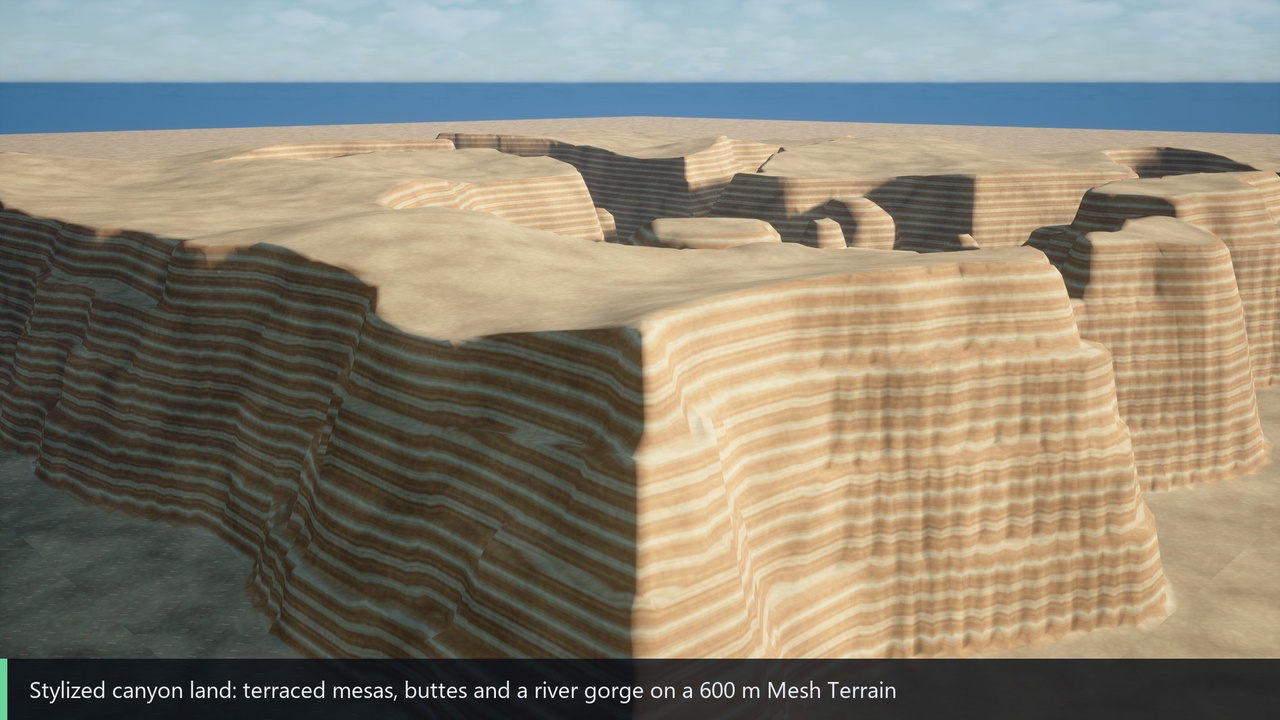
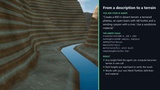
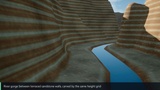
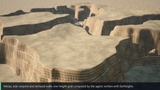
Create and inspect Mesh Terrain, import heightmaps and manage terrain modifiers through Unreal Editor's native MCP server.
What it does
• Create and list Mesh Partition terrain actors.
• Read terrain bounds, resolution, build state and modifiers.
• Import heightmaps and add or remove supported modifiers.
• Sample base or built terrain heights and edit base height grids.
• Rebuild terrain and wait for asynchronous build completion.
Requirements
Unreal Engine 5.8, Windows 64-bit editor. Enable ToolsetRegistry, MeshPartition, ModelContextProtocol. Connect an HTTP MCP-compatible client to the native editor server. Editor only; source and documentation included. No project or third-party asset packs are included.
Documentation and support
https://github.com/ITemre/MeshTerrainAIToolset
https://github.com/ITemre/MeshTerrainAIToolset/issues
Limitations
• Requires Epic's experimental Mesh Partition plugin in UE 5.8. Mesh Terrain and Landscape are different systems.
• Use DirectX 12 as the default RHI. Terrains up to 2048 x 2048 quads, verified on DirectX 12 and DirectX 11.
• No terrain, heightmap dataset, project level or material pack is included.
• This integration uses Mesh Partition editor interfaces and an engine Internal include path. Compatibility must be rechecked for each engine update.
• Heightmap inputs are files on the editor machine. An MCP client running elsewhere must make those files available locally.
Validation
Built and checked in UE 5.8.4 on Windows: real terrain creation, height editing, rebuild and delete on DirectX 12 and DirectX 11 up to 2048 x 2048 quads, plus save/reload checks and 44 internal automation tests on the previous build. Non-finite height grids are rejected before they reach the terrain. Expected rejection diagnostics are included where applicable. See the public validation notes for fixture scope and limitations.