
Description
Host Migration Core – Listen Server Host Migration for Unreal Engine
Keep your multiplayer match alive when the host leaves or crashes!
HostMigrationCore is an automatic host migration and game state recovery system for Unreal Engine listen server games. If the host disconnects, another player can take over, the remaining players reconnect, and the match continues with its saved state restored.
Including scores, inventories, pawns, world actors, and game progress.
No dedicated server required. No engine source modifications.
Add a Host Migration Id component, mark the variables you want to preserve with SaveGame, and let HostMigrationCore handle the migration. Fully accessible from Blueprints and C++, with built-in Steam lobby integration and support for custom backends.
✅ Key Features
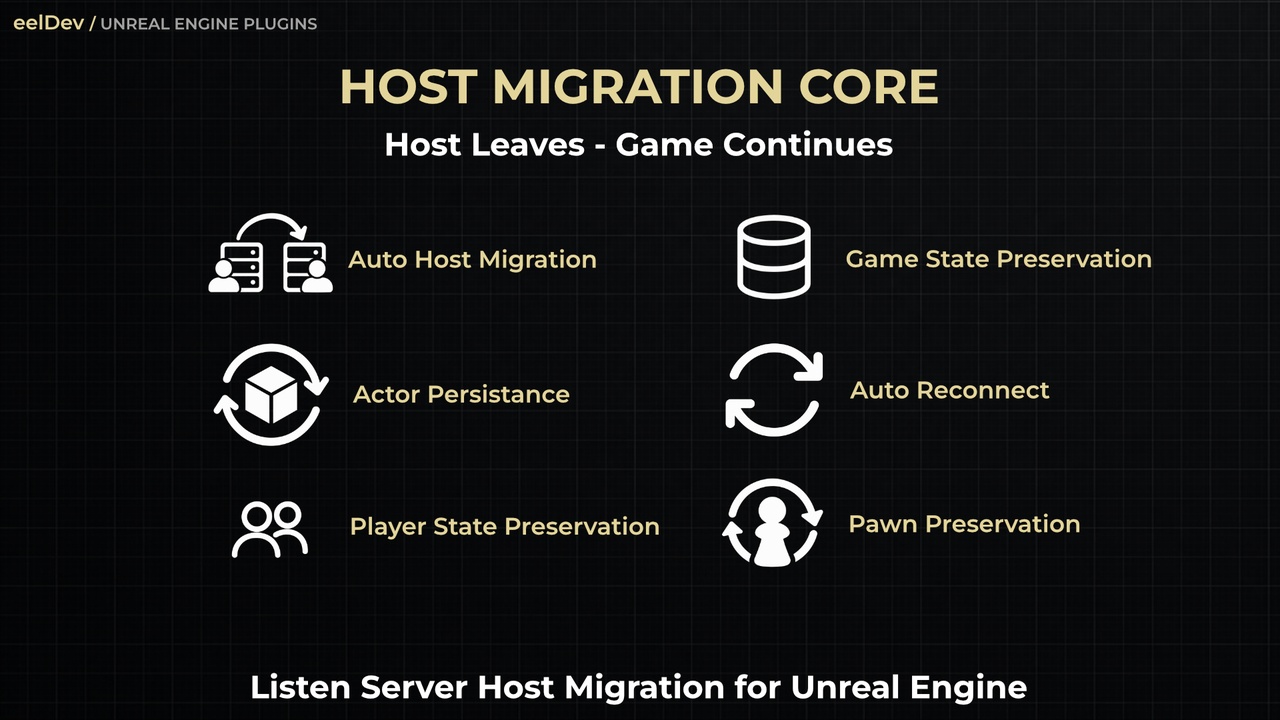
Automatic Host Migration
Recover after host crashes or disconnects. A remaining player becomes the new listen server host and restores the saved match.Chained Migrations
Host changes can happen more than once; if the replacement host also leaves, another player can take over.Graceful Host Hand-Over
Use Leave Session or Begin Graceful Migration to send a final snapshot and start the hand-over without waiting for host-loss detection.Game State Restoration
Restore marked placed actors, runtime-spawned actors, components, and saved properties.SaveGame Integration
Check SaveGame on Blueprint variables or use UPROPERTY(SaveGame) in C++.
Transforms and supported actor/component references can be restored too.Actor Reference Recovery
References between migrated actors and components are resolved after restoration, including runtime spawned actors.Efficient Delta Snapshots
Send changed state instead of repeatedly sending the entire snapshot, with compression, chunking, hash verification, and automatic resynchronization.Returning Players
Preserve inactive player data across migrations and restore a returning player's PlayerState and eligible pawn using their unique net ID.Leaving Player Pawn Options
Keep the pawn in the world, respawn it on rejoin, or destroy it.Smart Reconnection
With a presence aware backend, distinguish a dead host from a player's temporary connection problem and attempt to rejoin the existing host.Travel Support
Compatible with ServerTravel and seamless travel, including preservation of inactive player state where supported.Pause & Reconnect UI
Optionally pause gameplay during the reconnection grace period and display a built-in, localized reconnect overlay or your own UMG widget.Steam Lobby Support
Automatically detect the active Steam lobby and use it to locate the replacement host.
Youtube Video
Downloadable (Playable) Demo
💾 What Can Be Restored?
PlayerStates, scores, inventories, health, and custom progression
Player pawns and their saved components
GameState and GameMode data
Placed actors, spawned actors, and destroyed actor state
Actor transforms, SaveGame properties, structs, arrays, and maps
References between supported migrated actors and components
Custom binary state through the C++ IHostMigratable interface
For ordinary world actors and pawns, add the Host Migration Id component. Save the properties you need using Unreal Engine's SaveGame flag. For timers, AI, and other runtime systems, use the provided save/restore events to handle custom recovery logic.
🎮 Blueprint & C++ Integration
Blueprints:
On Host Migration Save / On Host Migration Restored events
Migration subsystem nodes for status, migration controls, host discovery, and snapshot statistics
On State Changed, On Player Restored, and On Host Changed delegates
Helpers for migration IDs and finding migrated actors
A Blueprint adapter for integrating custom matchmaking or lobby services
C++:
Full native API and UPROPERTY(SaveGame) support
IHostMigratable for custom serialized data
Session adapter base classes for your own online backend
🌐 Supported Backends & Platforms
Online backends:
Steam: Steam lobby + SteamSockets
LAN / Null: Basic migration without lobby presence or announcements
Epic Online Services (EOS): Planned, not included
⚠️ Early Release Notice
This plugin has recently been released and may still contain undiscovered bugs or edge cases. While the plugin has undergone testing, certain issues may arise in specific environments or use cases.
If you encounter any problems, please report them through our support channels. Your feedback is greatly appreciated and helps us improve the plugin through ongoing updates and bug fixes.
⚠️ Important Information
Listen servers only. This plugin does not provide dedicated-server migration.
After a host crash, progress since the most recent snapshot may be lost. A graceful leave through the plugin sends a final snapshot.
Host migration involves reconnecting players. It is not a zero interruption transfer.
Migrated world actors and pawns require a Host Migration Id component. Variables without the SaveGame flag are not automatically preserved.
Timers, physics velocity, animation state, and in-flight RPCs require custom recovery where needed.
Steam requires SteamSockets and all players to remain in the same Steam lobby during the match. The plugin does not initialize Steam for you.
You can use the built-in Steam subsystem, or SteamCore PRO, to use and initialize Steam functionality.
📚 Documentation & Support
Documentation: https://hostmigrationcore.eeldev.com/
Developer: https://eeldev.com/
More eelDev Products: https://www.fab.com/sellers/eelDev
Product Support: https://eeldev.com/help