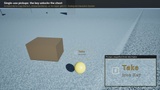
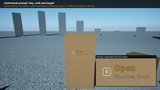

설명
Rookspire Interaction System is a small, clean, component-based interaction framework for single-player Unreal Engine games. It is built to be understood in minutes and extended without touching its code.
How it works
AC_Interactor on your character sweeps a small sphere from the character's eyes, 20 times a second, and focuses the first interactable thing it hits. First and third person, any pawn, no camera component required.
AC_Interactable on any actor says what it is ("Wooden Door"), what the key does ("Open"), whether it must be held, whether it is enabled, and why not.
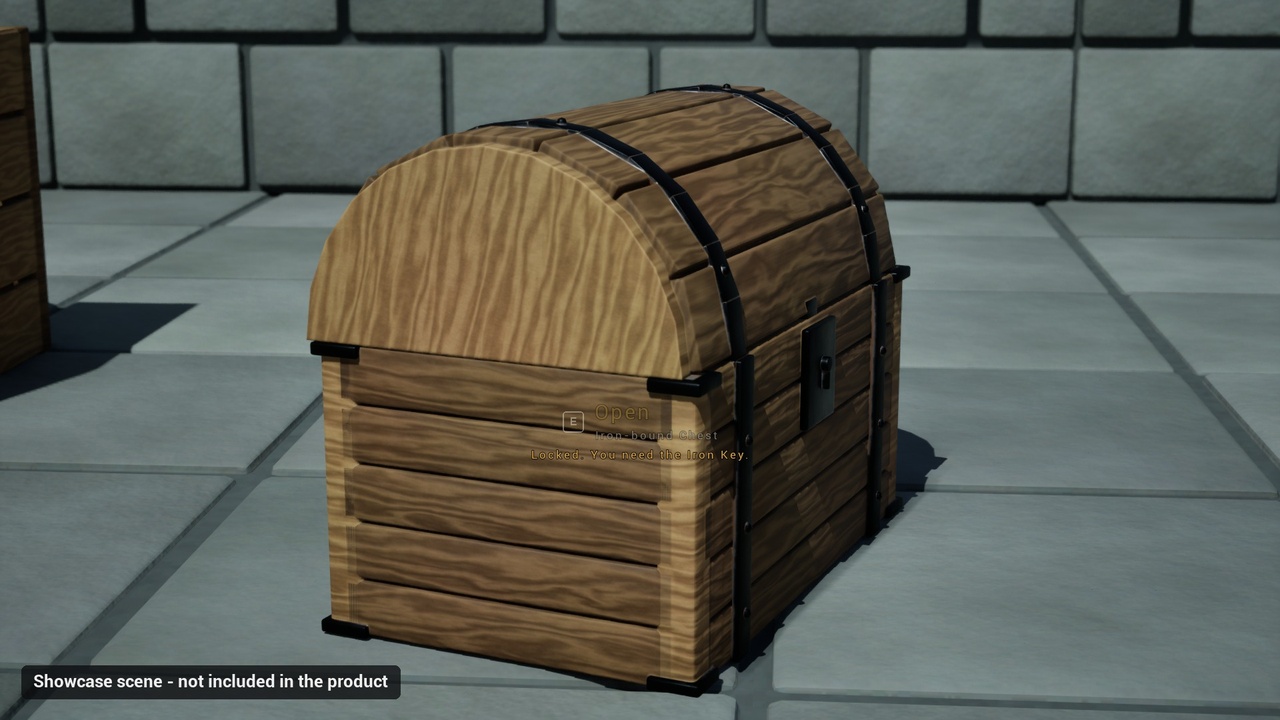
WBP_InteractionPrompt shows the key actually bound to your Interact action (read from your Input Mapping Context, so rebinding updates the prompt), the verb and the target name.
Features
Look-at detection with a configurable reach, radius and detection rate.
Contextual prompt: key + verb + target name; keyboard and mouse key glyphs included.
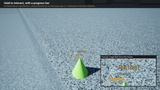
Tap and timed-hold interactions; the hold shows a progress bar and is cancelled by releasing the key or looking away.
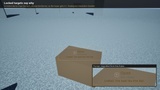
Locked targets: the prompt greys out and shows the reason ("Locked. You need the Iron Key.").
State is re-read on every detection: a chest unlocked while you look at it updates immediately.
Single-use targets (pickups, keys) are consumed once; other targets are not.
No base class to inherit: use the component, or implement BPI_Interactable on any actor.
Owner events through BPI_InteractableOwner (On Interacted, On Focused, On Unfocused).
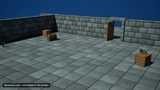
Demo map with a door, a locked chest, the key that unlocks it and herbs that must be held.
No dependencies outside its own folder; the Demo and Art folders can be deleted and the system still compiles and works (tested in a clean project).
Quick Start
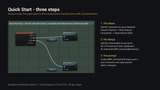
Add AC_Interactor to your character; call Start Interact / Stop Interact from your Interact action.
Add AC_Interactable to an actor, fill in Prompt and Verb, add BPI_InteractableOwner and implement On Interacted.
Create WBP_InteractionPrompt, give it your interactor and your input assets, add it to the viewport.
Limitations (v1.0)
Single-player only; nothing is replicated.
Tested on Unreal Engine 5.3.2 and 5.8 only (versions in between not tested).
Look-at detection only (no proximity / top-down mode, no priority between overlapping targets).
Keyboard and mouse glyphs only; gamepad is not included or tested.
Documentation: a PDF manual (overview, Quick Start, API reference, troubleshooting, changelog) is available on this page as a separate download (Additional files).
About the images and video: the courtyard scene, its props and materials are a showcase made for illustration and are not included. The product includes its own demo map with simple example actors.
AI disclosure: This product was developed using AI-assisted tools. Python scripts used to generate Blueprints and documentation were written with the assistance of AI. All systems, logic, textures, and design decisions were created, reviewed, and tested by Rookspire. Textures are procedurally generated from code and SVG, not AI image models.