
Description
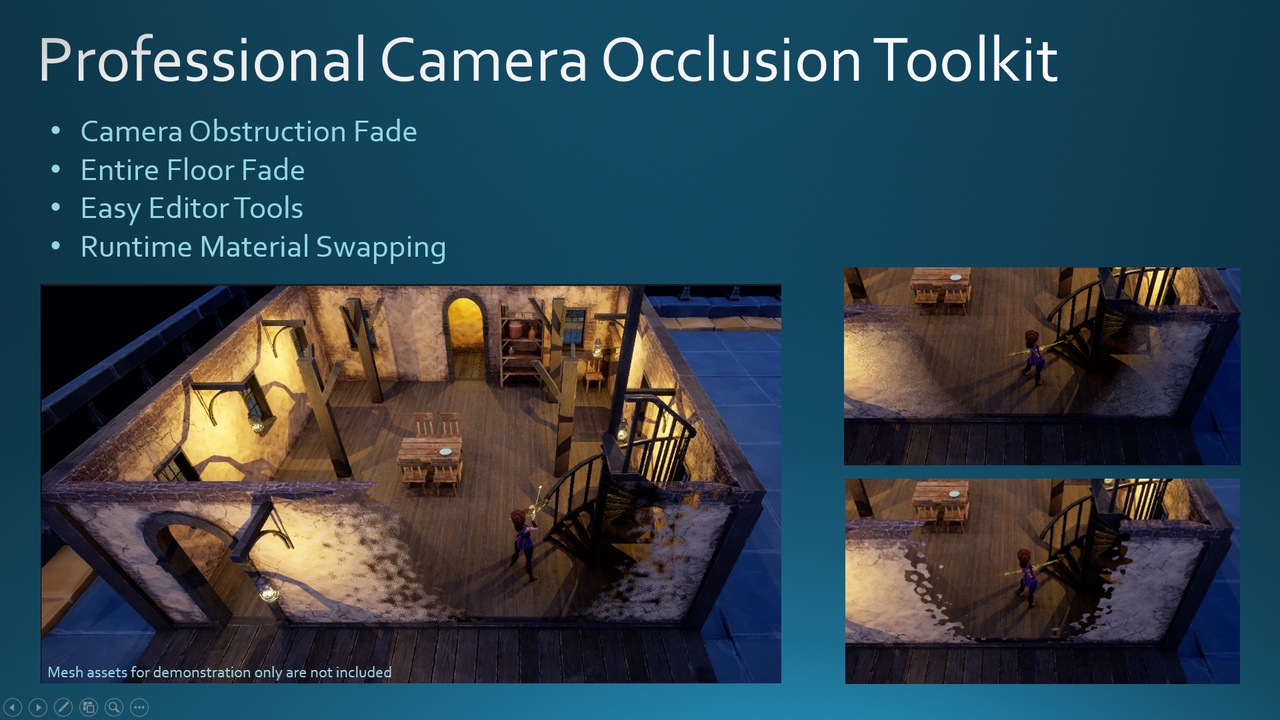
A high-performance camera punchout system that fades obstructing geometry to maintain clear character visibility. Dynamically hides upper building floors based on player location. Uses async material loading and dynamic material swaps for smooth transitions. Includes editor tools for fast, and easy setup.
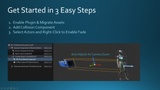
Elevate your project with a polished, high-quality plugin that delivers professional camera occlusion cutouts and dynamic fades. Simply attach the collision component to your Camera Boom, tag the actors you want to fade, and let the system handle smooth material swaps at runtime for optimal performance.
Implemented in high performance C++ along with Blueprints in areas where customization is common. Inspired by Baldur's Gate 3 and similar AAA-game camera systems.
Videos:
2. Material & Room Fade Features
Documents:
Material Function Deep-Dive.pdf
Key Features
Hierarchical room fading that hides upper floors when entering interiors
Five built-in fade styles powered by modular, customizable Material Functions
Editor tools to author fade materials and edit collision profiles
Runtime material swapping for minimal draw calls and maximum frame rates
Fade direction can be independent of the camera direction
Works with substrate materials
Supports pawn possession changes, and BG3 style independent camera
NEW: Fade materials now compile in the background before swapping - no more default‑material flicker
NEW: Fade material option using vertex shader (performance boost for Nanite and high-density mesh)