説明
🎬 OVERVIEW VIDEO – Watch the showcase
📄 DOCUMENTATION – Read the docs for installation, noise configuration, and workflow examples.
💬 DISCORD – Join for support, questions, feature requests and feedback.
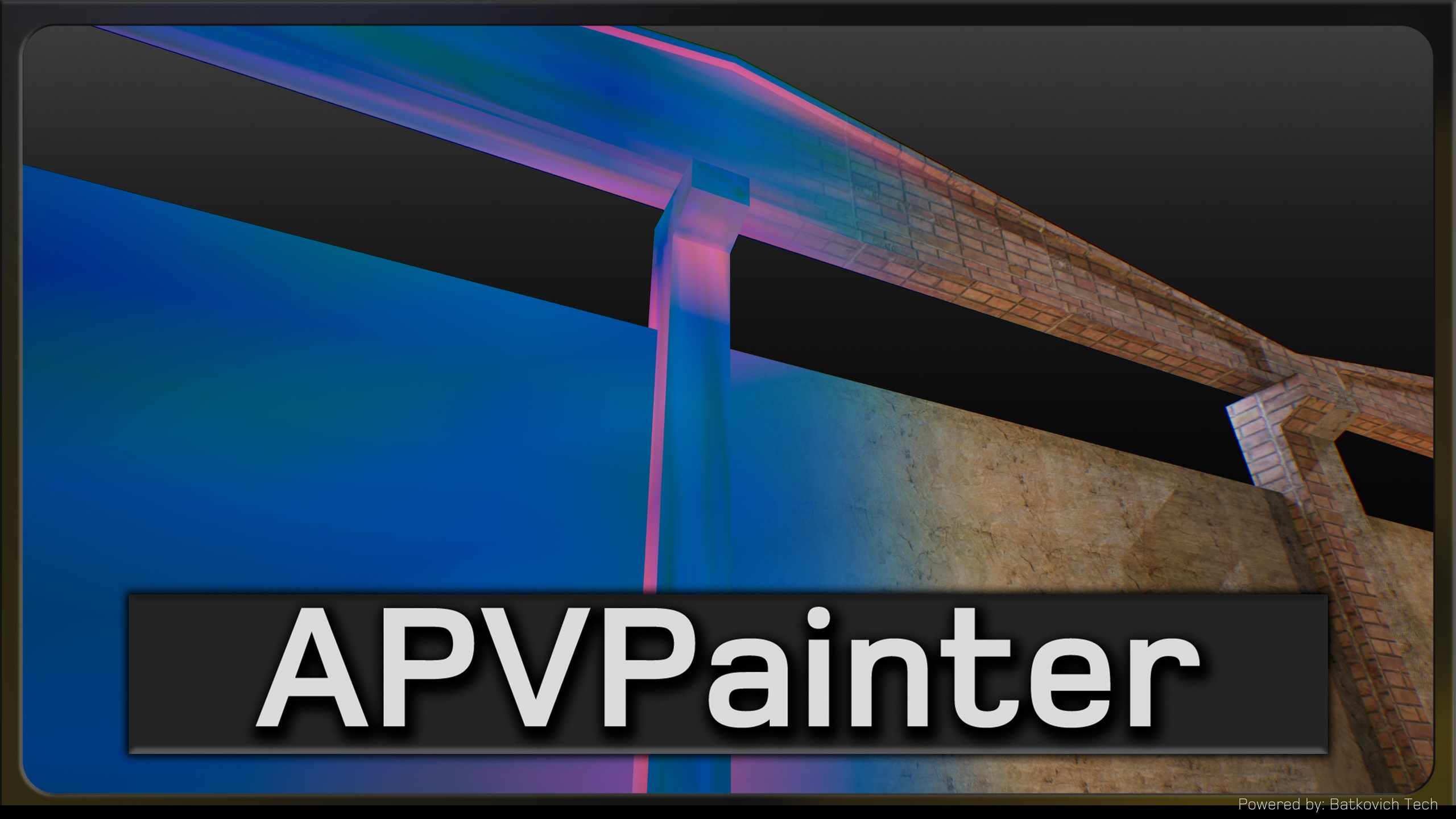
APVPainter is a high-performance procedural vertex color generation plugin for Unreal Engine, designed to create natural variation, weathering effects, and ambient occlusion directly in vertex colors — without requiring external textures or manual painting.
It focuses on noise-based procedural generation with triplanar projection and ray-traced ambient occlusion — delivering fast, automatic vertex color painting with independent per-channel control for complex material setups. Perfect for environment art, prop creation, procedural workflows, or any project requiring automated vertex color generation—where surface variation should feel natural, consistent, and data-driven.
Core APVPainter features:
PROCEDURAL NOISE GENERATION:
Five noise algorithms — Perlin, Simplex, Worley (Cellular), Voronoi, and White Noise
Fractal layering with octaves (1-8) — combine noise layers for rich, detailed patterns
Lacunarity & Persistence control — fine-tune frequency and amplitude per octave
Scale & World Scale parameters — match real-world dimensions and pattern density
Intensity & Offset per channel — precise output control for each color component
INDEPENDENT CHANNEL CONTROL (R, G, B, A):
Per-channel noise configuration — different noise type, scale, and settings for each channel
Multi-purpose material data — store roughness, metallic, AO, and detail masks in separate channels
Enable/disable channels individually — paint only the channels you need
Custom output mapping — intensity and offset for precise value ranges
TRIPLANAR PROJECTION:
UV-free painting — works on any mesh, even without proper UV unwrapping
Three-axis projection — eliminates stretching on complex geometry
Blend sharpness control (1-32) — adjust transition smoothness between projection planes
World/Local space modes — consistent patterns across meshes or unique per-mesh variation
AMBIENT OCCLUSION:
Ray-traced contact shadows — hemisphere sampling for accurate vertex-based AO
Configurable sample count (4-64) — balance quality vs processing time
Distance control (0.1-1000) — adjust occlusion radius to match mesh scale
Intensity multiplier (0-2) — fine-tune shadow strength
Invert option — reverse occlusion values for special effects
Flexible Workflow:
Editor Window — visual interface with real-time mesh selection
One-click application — instant vertex color generation
Clear & Refresh buttons — reset colors or reload mesh
Undo/Redo support — iterative painting workflow
Per-mesh configuration — customize settings for each asset
Performance & Optimization:
Fast processing — optimized C++ implementation with multi-threading
Scalable quality — adjust octaves and AO samples for performance
Editor-only tool — baked vertex colors at edit time, zero runtime cost
Memory efficient — processes LOD0 only, minimal memory overhead
For detailed information about the APVPainter please read the Documentation
Don't hesitate to write a comment under the product's forum thread or to contact us via email for any questions.
= Sample scenes from the screenshots are not included =