Description
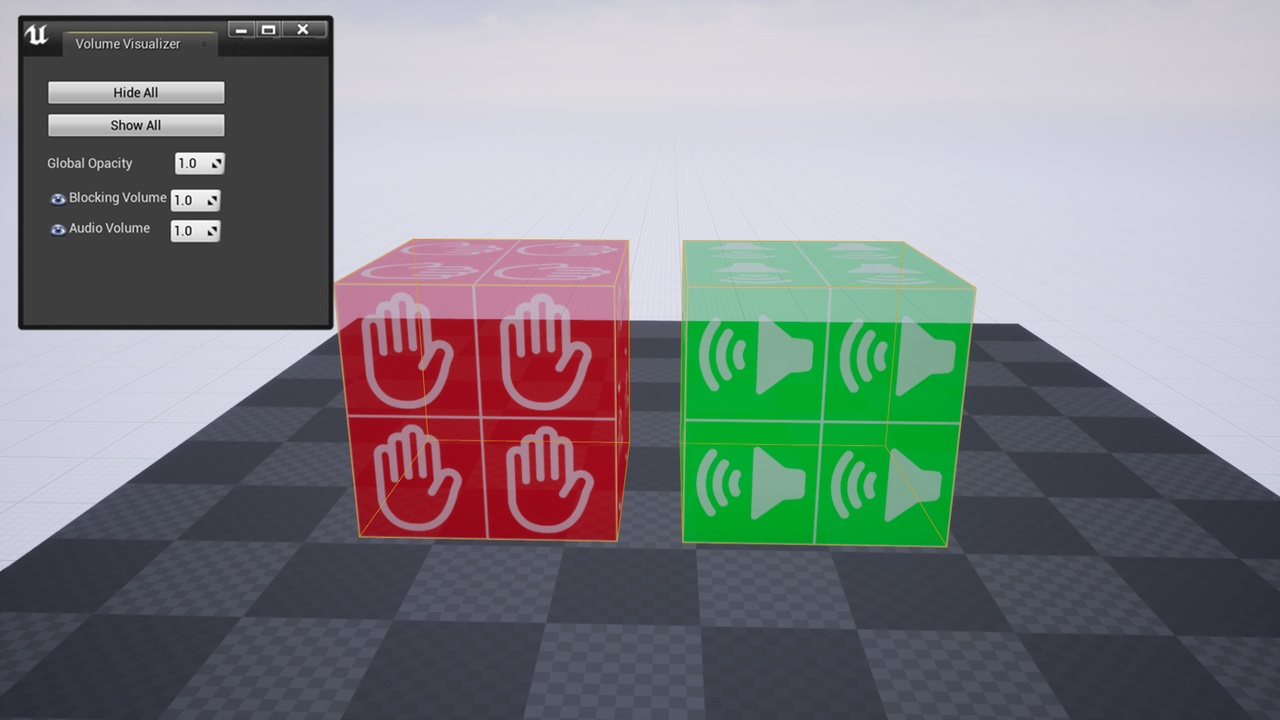
This is a simple plugin to help visualize volumes.
- Choose which volumes you want to visualize in the plugin settings
- Volumes are easier to select (You don't have to try to click on the thin wireframe anymore)
- Use your own textures
- Choose a color + opacity for each volume class
- Settings window to show/hide volumes
This plugin currently only supports cubic volumes and doesn't support brush editing!
Documentation: Volume Visualizer Documentation
Note: By default, this plugin only visualizes blocking volumes. If you want to visualize other volume types you can easily add them in the plugin settings.
To open the visibility window:
Window -> Volume Visualizer
To change the plugin settings:
Project settings -> Plugins -> Volume Visualizer
Restart the editor for changes to take effect.
If you have any feature requests or you want to report a bug, please contact me at: