Opis
BDC Dialog Backend
Stop juggling DataTables. Start telling stories.
A professional, graph-based dialogue management system for Unreal Engine that turns narrative chaos into a clean, visual workflow. Write the story, let the plugin handle the rest.
> Try Before You Buy! A free, slimmed-down Demo Version of the plugin is now available, sorted by Engine Version. Test the
workflow, explore the Node Graph, and see the backend in action before you commit. Link below.
Why BDC Dialog Backend?
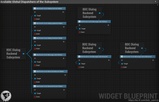
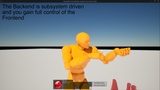
Traditional dialogue systems force you to babysit endless DataTables and scattered state assets for every conversation. BDC Dialog Backend takes a different route: a hidden subsystem does the heavy lifting in the background, while you work entirely inside a single, intuitive Visual Node Graph.
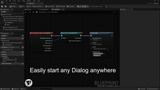
From sprawling RPG branching trees to simple adventure game bubble chats, this backend delivers the logic, flow control, and actor integration your project needs. Completely UI-agnostic. You design the look, the plugin runs the flow.
Key Features
• Visual Node Graph Editor
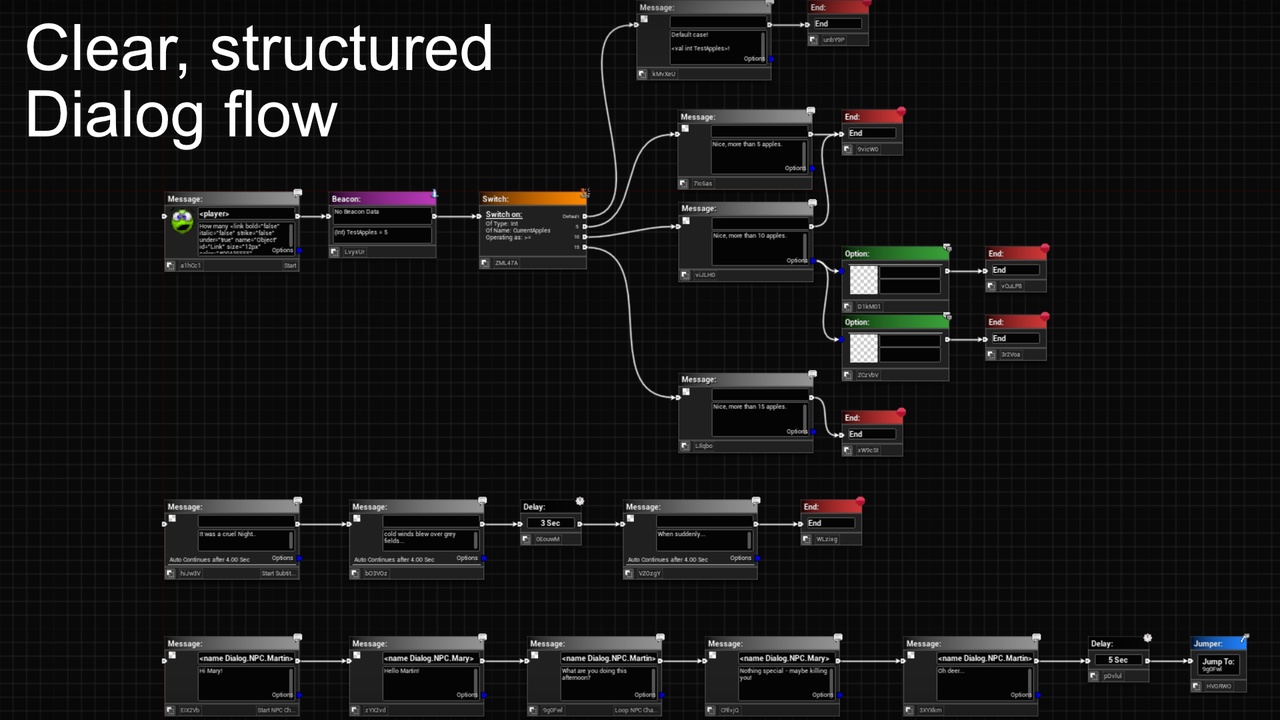
Build complex dialogue trees with a familiar drag-and-drop experience, modeled after the Blueprint workflow you already love.
• Message & Option Nodes
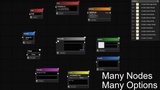
Standard dialogue flows with multiple choices, ready to use out of the box.
• Branching and Switching Logic
Craft dynamic conversations that adapt to the game state through the integrated Global Value System.
• Beacon and Event Nodes
Fire background logic, mutate global values, or broadcast events without ever interrupting the dialogue flow.
• Jumper Nodes
Hop instantly to any node in the graph by ID. Build loops, recurrent branches, and connect distant nodes without spaghetti wires.
• Global Values System
Built-in variable management (Integer, Float, Bool, and more) to track quests, relationships, and story progression right inside the editor.
• Actor Integration
Drop the `DialogBackend_ActorComponent` onto any Actor or NPC to turn them into a participant. Identify them through Gameplay Tags for robust filtering and event driving.
• Bubble Dialog Support
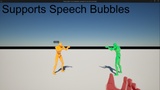
Native support for World-Space bubble dialogs. The system auto-detects a `DialogBubble` scene component on your actor for perfect widget placement, with optional billboard behavior for World-spaced widgets.
• UI-Agnostic Frontend Bridge
Classic RPG list, modern wheel, overhead bubbles. Whatever your art direction demands, the plugin feeds it cleanly while staying out of the visual design entirely.
• 1-Click Localization
Export every speaker name and message into auto-generated StringTables for the Unreal Localization Dashboard with a single button. Unlinking the localization from your DialogDataAsset? Also one click.
• RichText Decorators
Ships with 15 premade RichText Decorators covering wobbling text, rainbow colors, obfuscation, hyperlinks, material-based effects, and more.
• Swap material-based effect materials with your own through Project Settings.
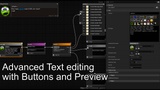
• Configure decorators in the Dialog Editor through a popup with sliders, color pickers, and live preview. No command memorization required.
• Special Command-Tags
Inject actor names, global values, or time and date placeholders directly into messages. Even usable as decorator parameters.
• Typewriting Function
Reveal messages letter by letter, word by word, or sentence by sentence. Full decorator awareness during typewriting, plus an in-writing pause through a `<wait X>` command.
Technical Details
• Core Architecture
Data-driven design powered by a custom Graph Editor wrapped around the DialogDataAsset.
• Flow Control
Advanced flow nodes including Delay, Events, and End/Continue.
• Input
Hotkey support for a fast authoring workflow (e.g. left-click while holding `S` for Beacon, `J` for Jumper, `M` for Message, and more).
• Integration
Dispatchers on Actor, Manager, and Subsystem level to hook into any game event you can think of.
Content
• Editor Module
Custom Graph Editor, Slate Widgets, and Asset Actions.
• Runtime Module
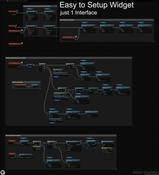
Subsystem, Blueprint Function Library, Actor Components, Interface, and Demo Content.
• Project Settings
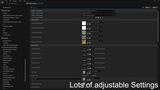
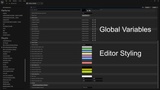
Base settings and references, editor node and wire colors, preset Global Values.
• Demo Content
Includes ready-to-study examples for simple Dialog Widgets and Bubble Dialogs so you can ship faster from day one.
Required Modules and Plugins
• GameplayTagsEditor (enabled automatically by the plugin)
Documentation & Support
Actively used and maintained by the author. Everything you need to get started, learn the workflow, or reach out is one click away.
• Wiki: Wiki
• Documentation (YouTube): YouTube Tutorial
• Demo (by Engine Version): Free, slimmed-down version of the plugin to try out before purchasing.
• Discord: Join the community for feature requests and direct support.