





설명
⚡ Spawn AI only when players need it, without covering your world in trigger boxes.
🎮 Playable Demo | 🎥 Trailer | 📊 Performance Comparison | 📖 Overview | 🛠 Usage Example | 💬 Support
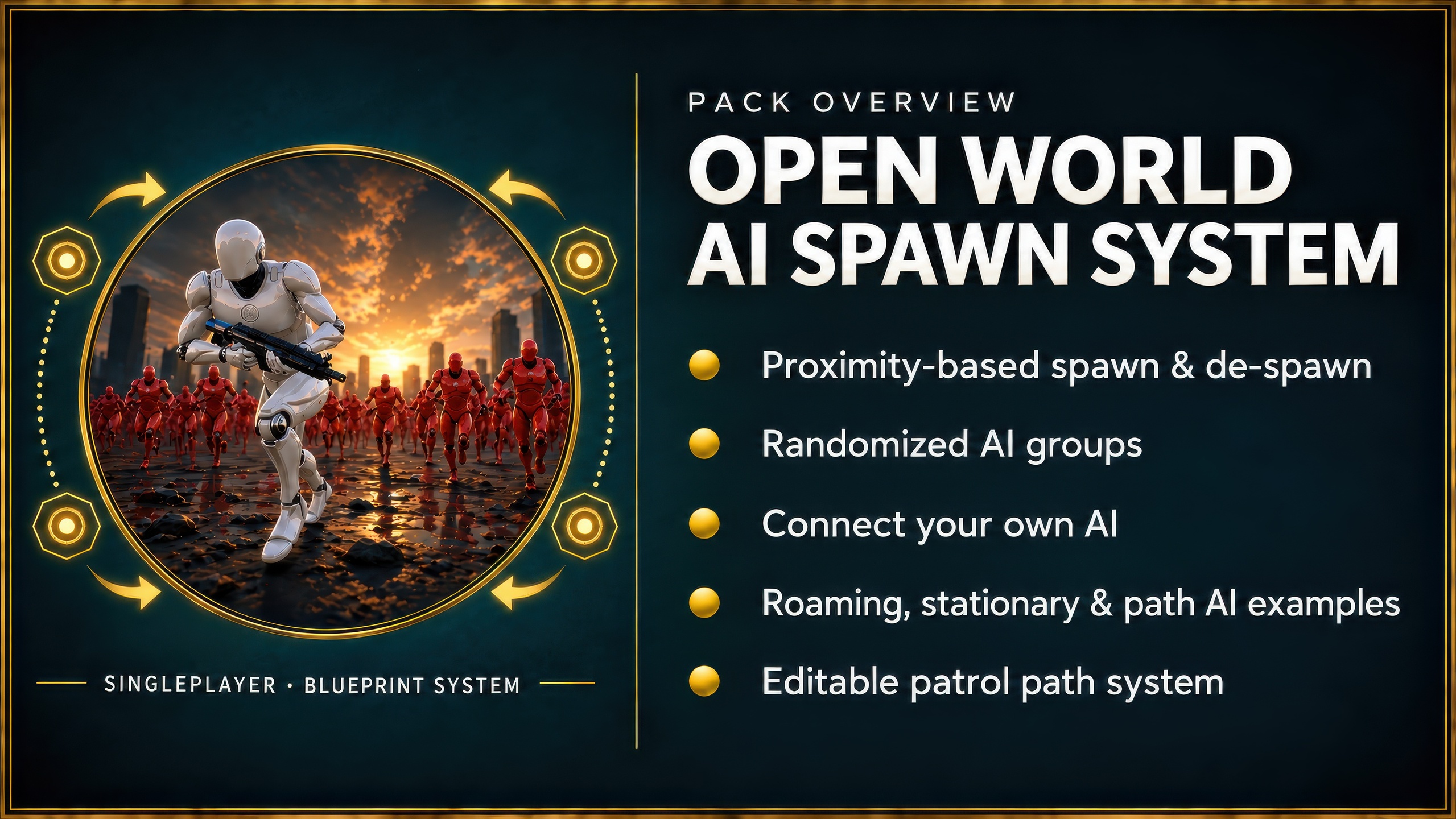
Open World AI Spawn System is a Blueprint-only framework for spawning and removing AI around the player in large levels. Add your own AI, organize it into groups and keep distant characters out of the world until they are actually needed.
Large worlds can quickly fill up with active AI and trigger-box setups that are hard to maintain. This system gives you reusable spawn points with proximity-based spawn and de-spawn logic, so you can spend your time on the AI itself instead of rebuilding the surrounding framework.
⭐ Why Use It?
Keep large levels manageable: AI exists only when the player is close enough.
Avoid trigger-box sprawl: Set up reusable spawn points instead of covering the map in volumes.
Bring your own AI: The system is designed to work with your existing characters.
Build variations quickly: Create groups and add randomization per spawn setup.
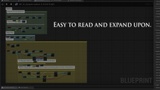
Stay in Blueprint: The core system is readable, commented and easy to extend.
✨ Key Features
Proximity-based AI spawning and de-spawning
Multiple AI groups with randomization
Roaming, stationary and path-based example AI
Friendly and simple enemy/zombie example behavior
Easy-to-edit path system for fast patrol setup
Four core Blueprints, plus example content
Enhanced Input in the current UE5 player-character example
📦 What's Included
The pack includes the core spawn system, example spawn setups, a path system and basic AI for demonstration. The included AI is intentionally simple so you can see how to connect your own behavior.
⚠️ Important
This is the single-player version. For a networked project, use the Multiplayer AI Spawn System.
The playable demo uses shorter spawn distances in places so you can clearly see the system working.
📚 Documentation & Support
Video documentation covers the trailer, performance comparison, overview, usage example, updates and common setup questions. Support is available through Discord. Reviews and older questions are also available on Orbital Market.