説明
MetaRoad - Procedural Road Network & HD-Map Editor
Draw, edit, preview, bake. Author complete road networks inside Unreal Engine and get real, game-ready meshes plus a logical road graph.
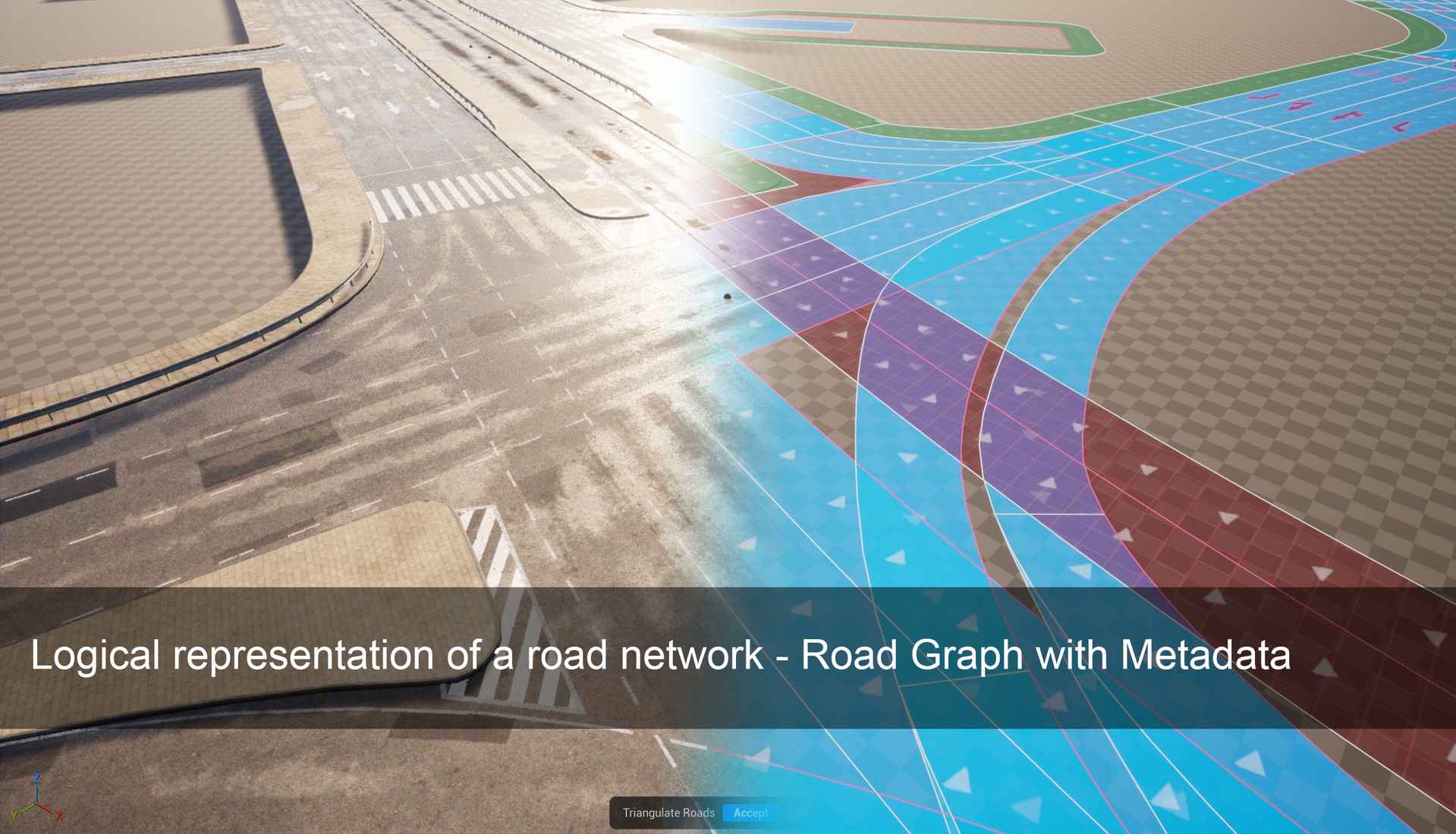
MetaRoad turns Unreal Engine into a procedural road-network and HD-map editor. You design roads interactively with splines in a dedicated editor mode, preview the result live, and bake actual StaticMesh geometry — drive surface, sidewalks, curbs, markings, guardrails, bridges and more — together with a logical lane graph for traffic and AI.
Built for: city digital twins · ADAS / autonomous-driving validation · games & cinematics · archviz.
Key Features
Interactive authoring
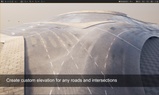
Draw roads as splines and connect them into networks — one Meta Road editor mode with Create / Edit / Bake tile palettes.
Live, non-destructive preview — the road stays editable data until you bake; nothing is written to disk until you choose to.
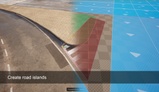
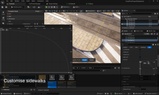
One-click tools for the common cases: Intersections (T / X / multi-lane), Roundabouts, Crosswalks, Mark splines (chevron islands, stripes, box-junction and guide-island fill patterns, stamped polygons) and Sidewalk splines — with magnetic snapping that makes a detail spline follow the road's own geometry exactly, through curb cuts, crossings and junction seams. (Pro)
Rich road model
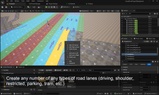
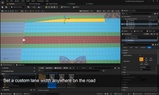
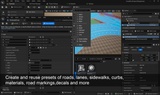
Any number of lanes with asymmetric sections and per-lane types: driving, sidewalk, bicycle, bus, parking, tram, shoulder, and custom.
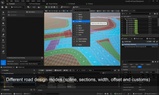
Per-lane offset and width curves, lane directions, and full junction connections (predecessor / successor, lane-to-lane).
Closed-loop splines to fill areas — plazas, parking lots, intersection interiors.
Attributes - the extension engine
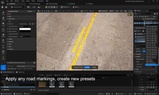
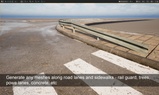
Sample data and geometry along any lane: speed limits & metadata, road markings, guardrails / barriers / fences, lamp posts & props, sidewalk ramps, curb cuts, road zones (switch a lane's surface type — and its material and texture density — part-way along its length), cross-section profiles (sink the driving surface toward its edges into a gutter that varies along the road), and surface polygons (arrows, stop lines, hatching).
Traffic lights — place signal heads with the Signal attribute (vehicle or pedestrian, with OpenDRIVE type codes), then wire them into a Traffic Controller component: named phases, a per-signal Red / Red-Yellow / Green / Yellow state grid, and a looping runtime clock that plays in PIE and packaged builds.
Generate meshes, components, or actors along lanes, or loft 2D cross-sections into bridges, tunnels, and retaining walls.
Add your own attribute types in Blueprint (no C++) or C++ — they appear automatically, with no changes to the core plugin.
Baking & export
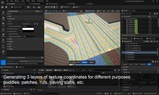
Bake to `StaticMesh` + `SplineMesh` + decals with per-lane-type materials, multi-channel UVs (UV0 / UV1, plus a UV2 channel at a uniform real-world texture density) and vertex colors for seamless blending at intersections.
Control the mesh resolution — fill the road surface at a target edge length, either with well-shaped triangles that handle any junction, or with rows running along the road; then drape the result onto the landscape and smooth it.
Configurable asset output location, per-user folders, and automatic cleanup of previous bakes.
FBX export for any pipeline.
Reusable content & API
Content-Browser assets: Road / Curb / Mark / Attribute / Polygon Profiles and Build Presets — plus ready-made samples.
C++ and Blueprint APIs to add lane types, custom attributes, generators, and importers / exporters.
Integrations
ZoneGraph AI-navigation data generation. (Pro)
Landscape deformation — carve and paint the Unreal landscape to follow your roads, or flatten the area enclosed by a closed detail spline. (Pro)
PCG integration — a Get Road Lane Data node feeds lane geometry and attributes into Procedural Content Generation graphs. (Pro)
Free vs Pro
Core road authoring and baking are FREE. Pro unlocks the advanced automated tools and integrations.
Full breakdown: herel
Good to know
Baked content is plain StaticMesh assets and works without the plugin. MetaRoad is only required at runtime if you use the road graph in-game (for example, to drive traffic).
By default, the plugin includes a simple, lightweight road materials pack. The videos and images examples use the free CitySample Pack. It needs to be downloaded and installed separately.
Links
Quick start
Dependencies
This plugin has dependencies on the following plugins (these are default plugins that come with Unreal Engine):
GeometryProcessing
MeshModelingToolset
ModelingToolsEditorMode
ZoneGraph
PCG