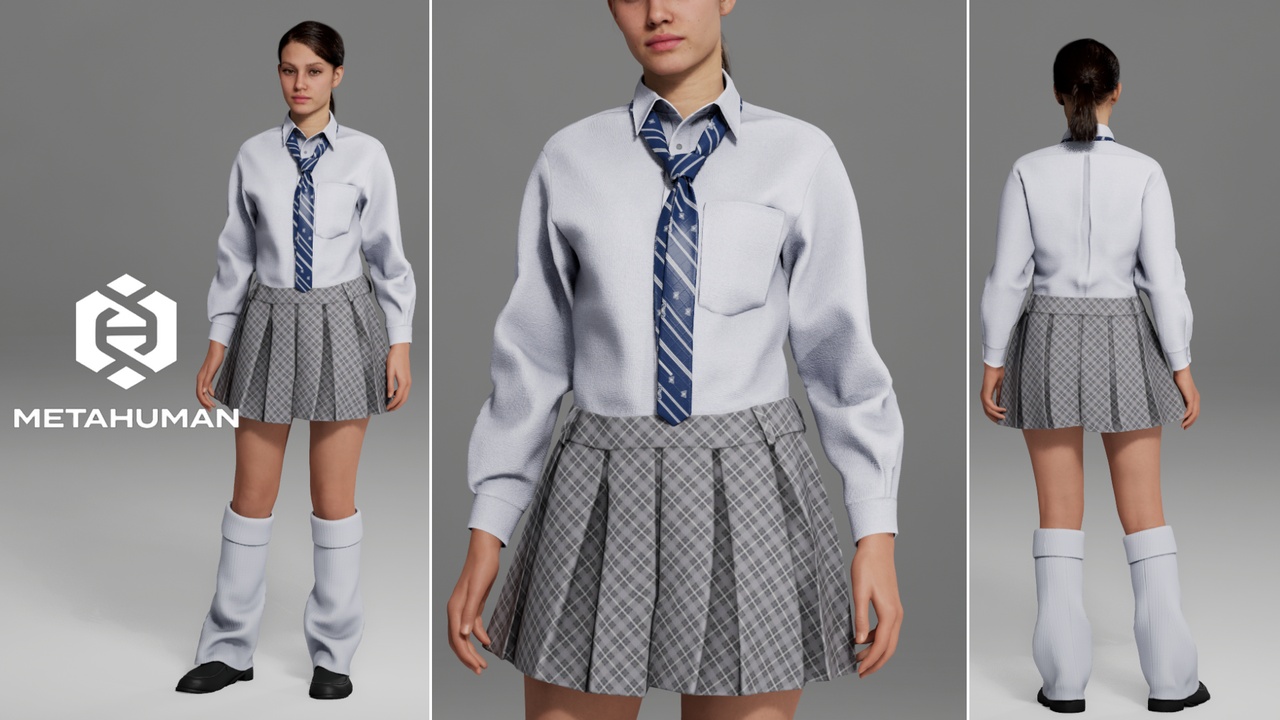
Description
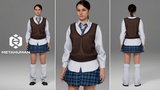
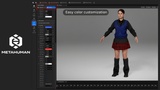
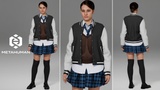
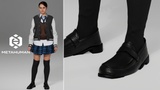
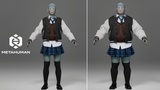
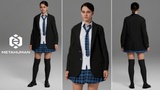
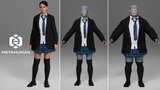
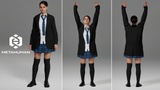
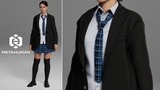
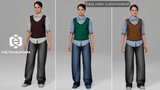
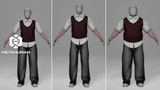
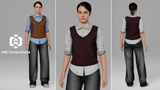
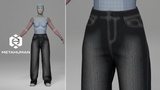
Create realistic MetaHuman characters with this 5-in-1 School Outfit Bundle, specifically designed for MetaHuman Creator and Unreal Engine. This collection includes 5 complete, full-body school outfit variations (School_Outfit_01 to School_Outfit_05) that are fully compatible with all MetaHuman body types and automatically adapt to various body shapes and proportions directly within MetaHuman Creator, ensuring a clean fit without the need for manual adjustments.
_____________________________
Perfect for creating characters as:
High schoolers, academy students, and university youth in casual or formal uniforms
Diverse student casts for teen dramas, life simulators, and visual novels
Modern youth for urban adventure RPGs, mysteries, or survival horror games
_____________________________
Features:
Includes 5 complete full-body outfit variations (School_Outfit_01 to School_Outfit_05)
Full compatibility with MetaHuman Creator
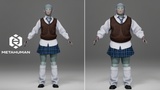
Support for all MetaHuman body types
Automatic shape and proportion adaptation
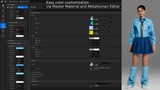
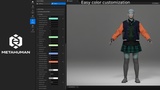
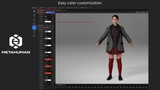
Easy color customization
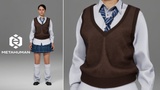
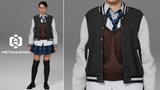
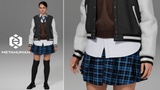
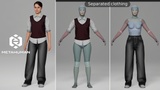
Customizable layering: each of the 5 outfits is built from separate internal meshes, allowing you to easily remove or hide unwanted elements (such as jackets, vests, ties, or leg warmers) inside each outfit asset
All textures are 4K high-resolution
_____________________________
User Guide:
Download the .mhpkg files (AO_School_Outfit_01.mhpkg through AO_School_Outfit_05.mhpkg).
Open your project in Unreal Engine.
Create an Outfits folder.
Inside, create individual folders for the variations you want to use (School_Outfit_01, School_Outfit_02, School_Outfit_03, School_Outfit_04, School_Outfit_05).
Drag and drop each AO_School_Outfit_XX.mhpkg file into its corresponding School_Outfit_XX folder.
Ensure the MetaHuman Creator plugin is installed.
Open MetaHuman Creator.
Drag the desired AO_School_Outfit_XX asset into the Clothing section and apply the full outfit to your MetaHuman character.
_____________________________
Clothing Part Separation Guide (How to remove unwanted elements from an outfit):
Open the desired CA_School_Outfit_XX asset (01–05), delete the unnecessary StaticMeshImport (the specific clothing element you want to hide) by holding ALT + clicking on the Collection, and save the file.
Open the corresponding AO_School_Outfit_XX asset. In the top-left corner of the screen, find Evaluate Dataflow Graph, click the three dots, and switch the mode from Automatic Graph to Manual Graph.
In the AO_School_Outfit_XX tab, locate Variable Overrides. Under Source Asset, click Reset (the arrow icon) and reassign the same CA_School_Outfit_XX asset. Switch the Evaluate Dataflow Graph mode back from Manual Graph to Automatic Graph and save.
Go to your MetaHuman tab and click Refresh Preview at the top of the screen. You are done!
_____________________________
How to disable the mask map on the avatar:
Open the corresponding WI_School_Outfit_XX asset (01–05).
Find the Editor Pipeline tab.
Expand the Outfit tab and remove the desired map.
_____________________________
Technical Specifications:
Engine: Unreal Engine 5.8
Platform: MetaHuman Creator
Asset Type: Parametric Clothing / 5 Complete Outfit Variations
Gender: Female / Unisex (depending on setup)
Supported Body Types: All MetaHuman body types
Textures: All textures in 4K resolution
_____________________________
Support & Contact: If you have any questions or need assistance before or after your purchase, please feel free to reach out via email at [email protected]. I hope this asset bundle fits your project perfectly!
| Personnelle | Professionnelle | |
|---|---|---|
| Prix total si acheté séparément | 99,95 $ | 199,95 $ |
| Prix total de ce pack | - | - |
Différence | - | - |